Real photos of your business, your team and your work are far more convincing than stock photos. And you don’t need an expensive camera: with your phone and a few simple rules you can take photos that make your website look much more professional. This article shows you how.
Why your own photos matter so much
Visitors can tell within seconds whether a photo is real or comes from a stock library. Your own photos show who you are, how you work and what customers can expect. That builds trust, and trust brings in enquiries. Real photos also make your website unique, for Google too.
Light is everything
- Shoot in daylight, ideally near a window or outdoors on an overcast day. That gives soft, even light.
- Avoid harsh midday sun with hard shadows, and don’t place people with their back to the window.
- Turn the flash off. It makes photos flat and harsh.
How to get the most out of your phone
- Clean the lens. A greasy fingerprint on the lens is the most common cause of blurry photos.
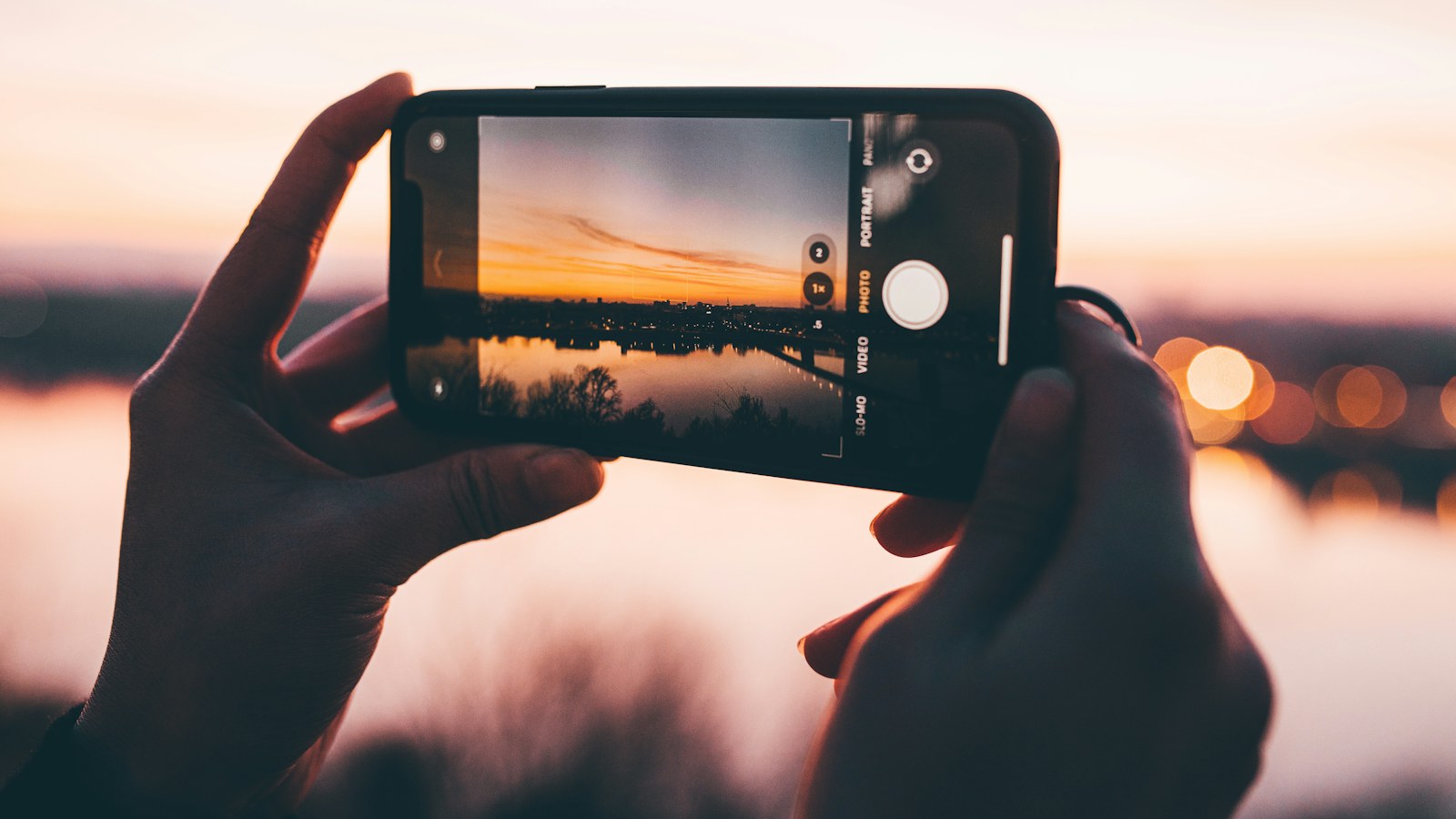
- Shoot in landscape (horizontal) for photos that span the width of your site, such as a large image at the top.
- Turn on the grid in your camera settings and place your subject on one of the lines rather than dead centre.
- Don’t use digital zoom. Walk closer instead; digital zoom costs sharpness.
- Tap your subject to focus, and slide the exposure up or down a little if the photo is too dark or too bright.
- Take several shots of the same moment and pick the best one later.
What should you photograph?
- Your team at work: people doing something, not staring stiffly into the camera.
- Your work or product: results, before-and-after, details that show your craftsmanship.
- Your premises or workplace: from outside (so customers recognise you) and inside.
- Portraits: a friendly, calm photo of the people customers deal with, against a simple background.
Tip: choose one style and stick to it. For example, always light and natural, with the same kind of background. That way your website looks like one whole.
Edit lightly, don’t overdo it
Your phone’s built-in editing tool is enough. Straighten the photo, crop unnecessary edges and brighten it a little if needed. Skip heavy filters: they make photos look unnatural and rarely match each other.
Getting photos ready for your website
- Resize the photo before uploading. A photo from your phone is easily several megabytes; for your site a width of up to 1920 pixels is enough. That keeps your site fast.
- Give the photo a clear file name, such as bathroom-renovation-breda.jpg instead of IMG_4821.jpg.
- Fill in the alt text: a short description of what’s in the photo. That helps visitors who use a screen reader and your findability in Google.
Ask for permission
Are there recognisable people in the photo, such as employees or customers? Ask for permission in advance to use the photo on your website, and preferably record it. For photos of customer projects, it’s good practice to check that the customer is happy with it too.
Want help with the photos for your website?
When we build a new website, we think along about the photos: what you can best take yourself and when a photographer makes the difference. Tell us briefly what you’re looking for, or let us take a free look at your current website first.
Book a free consultation Ask your question on WhatsApp
Prefer to call? +31 (0)166 700204, Mon–Fri 9:00–17:30 (CET).